

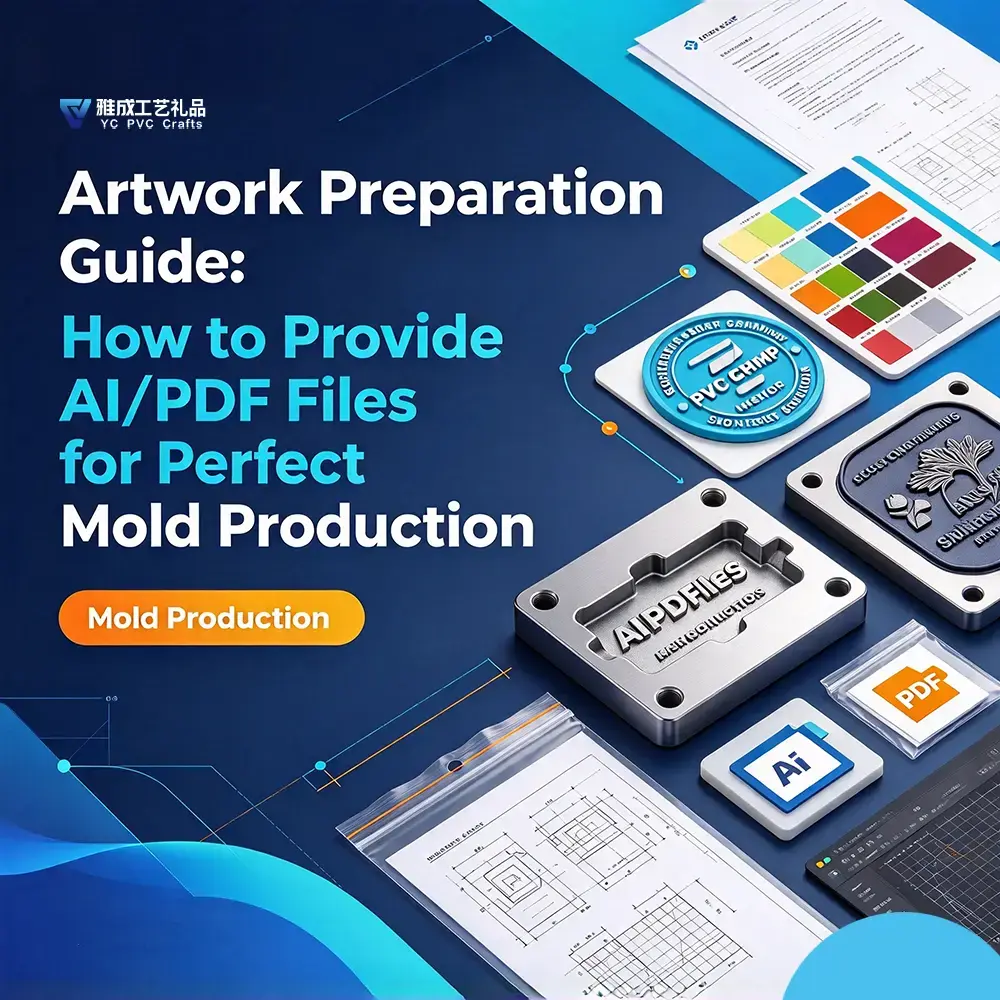
Artwork Preparation Guide: How to Provide AI/PDF Files for Perfect Mold Production
In the world of custom manufacturing, the quality of your physical product depends entirely on the precision of your digital blueprint. Whether you are ordering custom PVC keychains, rubber apparel tags, footwear patches, or 3D coasters, your artwork file is the direct input for high-precision CNC mold engraving machines.
A poorly prepared vector file can lead to blurred text, unexpected color bleeding, structural tearing, or costly production delays.
As a custom manufacturing factory with 14 years of technical experience, we have processed tens of thousands of design files for major European and American brands. Here is our official engineering guide on how to prepare your AI (.ai) and PDF (.pdf) artwork files for flawless mold production.
1. Vector vs. Raster: The Golden Rule of Mold Carving 📐
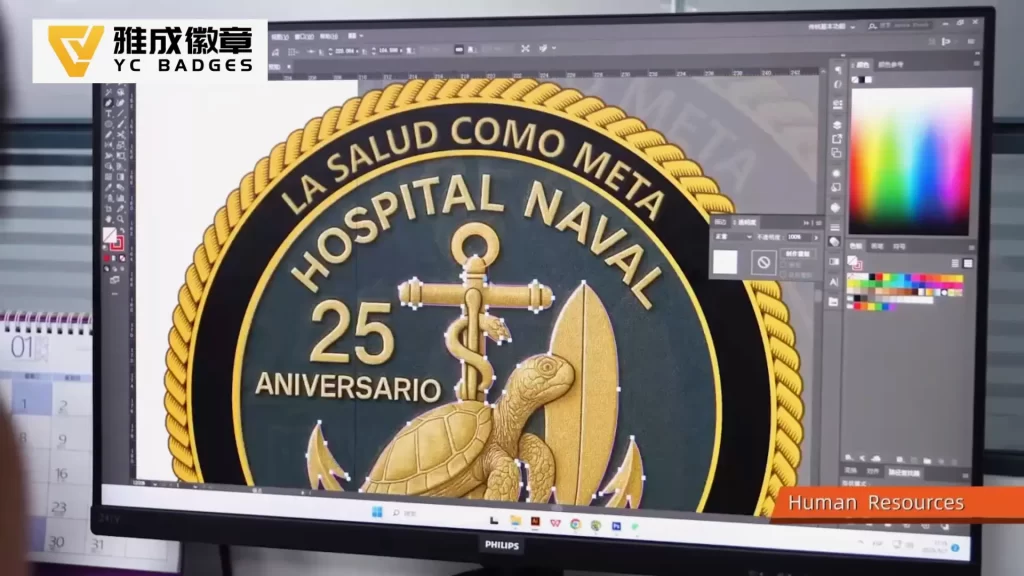
Before CNC machines can carve steel or aluminum molds, they require mathematical vector paths—not pixels.
- Acceptable Vector Formats: Native Adobe Illustrator (
.AI), Encapsulated PostScript (.EPS), or Vector.PDF. - The Raster Mistake: JPEGs, PNGs, and Photoshop PSD files are pixel-based (raster). Simply placing a low-resolution JPEG inside an Illustrator file or saving a raster image as a PDF does not create vector paths. Raster images must be manually traced into clean vector anchor points.
2. Essential Pre-Press Checklist for Graphic Designers 🛠️
To eliminate design-to-production bottlenecks, ensure your design team checks off these 5 critical steps before submitting artwork:
A. Convert All Text to Outlines (Crucial!)
If your artwork contains live fonts, our pre-press computers may not have your exact brand typography installed. Missing fonts will cause system substitutions, completely altering your logo shape.
- How to fix: In Adobe Illustrator, select all text layers and press
Ctrl + Shift + O(orCmd + Shift + Oon Mac) to Create Outlines. This converts editable text into fixed vector shapes.
B. Specify Pantone Solid Coated Colors
Screen monitors display RGB and CMYK colors differently based on individual brightness and monitor calibration.
- How to fix: Always assign colors using the Pantone Solid Coated (PMS) library (e.g., Pantone 186 C). Our automated liquid PVC dispensers mix high-purity pigments to match exact Pantone codes, ensuring 100% color fidelity across production batches.
C. Observe Minimum Line Thickness & Separation Gaps
Liquid soft PVC is dispensed into mold cavities using computer-guided automated needles. If lines are too thin, the liquid resin cannot flow smoothly; if gaps are too narrow, colors will bleed together during baking.
- Minimum Line Width: Maintain a minimum line thickness of 0.25mm (approx. 0.7 pt) for 2D raised details.
- Minimum Color Gap: Keep at least 0.3mm between adjacent color walls to prevent liquid bleeding.
D. Define 2D/3D Layers & Mold Elevations
Soft PVC relies on multi-level relief to create tactile depth.
- 2D Raised Designs: Clearly label elements as “Base Level,” “Level 1 (Raised 0.5mm),” or “Level 2 (Raised 1.0mm).”
- 3D Sculpted Designs: For rounded brand mascots or curved surfaces, supply a side-profile view or specify 3D depth gradients so our 3D CAD engineers can render accurate CNC toolpaths.
E. Add Functional Features (Sewing Grooves & Attachment Loops)
If your product is a PVC clothing label or zipper pull, functional engineering must be built directly into the vector paths:
- Sewing Channels: Include a perimeter line 1.0mm to 1.5mm wide recessed by 0.8mm to allow seamless garment stitching without needle breakage.
- Keyring Loops: Ensure outer attachment loops have a wall thickness of at least 1.5mm to 2.0mm to guarantee high tear resistance during daily use.
3. Vector Artwork Preparation: Summary Standards 📊
| Artwork Parameter | Standard Production Requirement | Why It Matters |
|---|---|---|
| File Format | Editable Vector (.AI / .EPS / .PDF) | Required for CNC automated machine toolpaths |
| Font Status | Outlined / Expanded Paths | Prevents font substitution errors |
| Color System | Pantone Solid Coated (PMS) | Guarantees exact corporate color matching |
| Min. Line Thickness | $\ge$ 0.25 mm | Ensures smooth liquid resin flow in molds |
| Min. Color Wall | $\ge$ 0.30 mm | Prevents color bleeding between layers |
| Material Standard | 100% Phthalate-Free Eco PVC | Complies fully with REACH & EN71-3 |
4. Direct Engineering Proofing & 3-Day Prototyping ⏱️
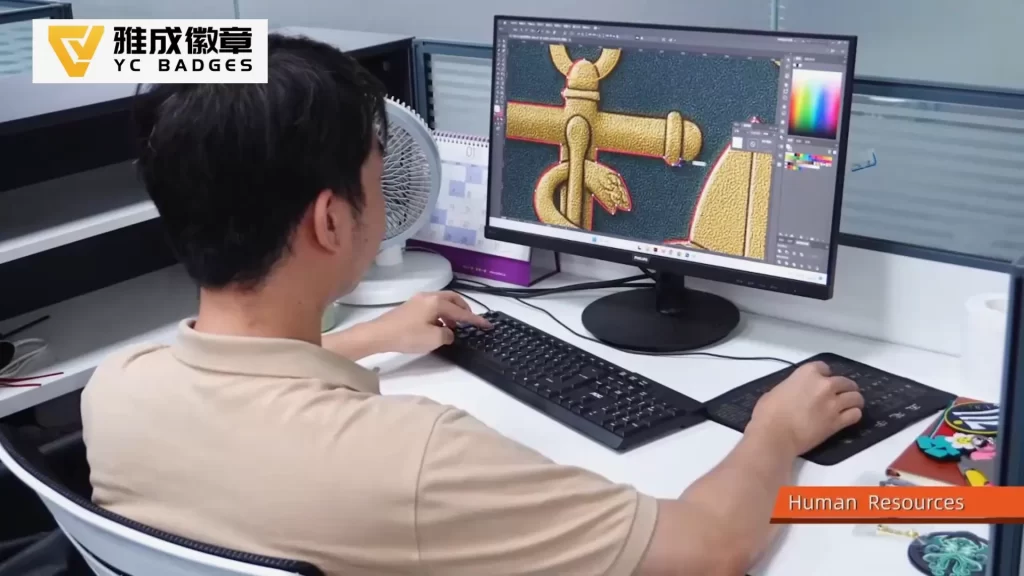
Don’t worry if you aren’t sure whether your vector file meets every technical requirement. Our 14-year technical team conducts a free engineering audit on every file submitted.
- Free Technical File Review: Send us your raw design. Our pre-press team will review line weights, adjust color boundaries, and send back a digital 2D/3D technical proof within 24 hours.
- 3-Day Physical Prototyping: Once the digital blueprint is approved, we engrave the master mold and deliver a physical sample featuring your exact Pantone colors in just 3 days.
- 100% Eco-Friendly Production: Every sample and bulk shipment uses strictly certified non-toxic, phthalate-free soft PVC, backed by REACH and EN71 safety reports.
📩 Submit Your Artwork for a Free Technical Audit
Direct Factory Scale | 14 Years Pre-Press Expertise | 100% Pantone Accuracy
Eliminate miscommunication and design flaws before production begins. Partner with a manufacturing team that turns complex artwork into flawless physical products.
[ Click Here to Upload Your Vector File for a Free 24-Hour Artwork Proof & Factory Quote! ]